
UK IPTV subscription
Infinity IPTV Subscription for Flexible Streaming
Choose a clear plan, receive your access details, and connect with a compatible IPTV player on the devices you already use.

Easy setup
Follow a simple activation path with device-specific guidance.
Multi-device ready
Works with Firestick, Smart TV and Android TV setups.
Flexible plans
Choose 3, 6, 12 or 24-month options that fit your needs.
Responsive support
Get help with activation, playlist setup and common issues.
Clear pricing
Transparent plan cards with duration and connection options.
Infinity IPTV is an IPTV subscription service. After you choose a plan, you receive the access details needed to connect through a compatible IPTV player application on your device.
Infinity IPTV is not a media player itself, and it is not the TiviMate application. TiviMate is a separate IPTV player that some customers choose to install independently. Where player apps are mentioned on this site, they are third-party tools used to play a playlist or Xtream Codes login — not products owned by Infinity IPTV.
To get started you need a compatible device, a player app that supports M3U or Xtream Codes, and your Infinity IPTV access details after purchase or trial request.
Subscription options
Infinity IPTV plans
Compare durations and choose the plan that matches how long you want to use the service.
3 Months
3 months
1 connection
£29.99
≈ £9.99/mo
- Flexible short-term access
- Guided device setup
- Support during activation
6 Months
6 months
1 connection
£49.99
≈ £8.33/mo
- Better value than 3 months
- Guided device setup
- Support during activation
12 Months
12 months
1 connection
£59.99
≈ £5.00/mo
- Best standard single-connection value
- Guided device setup
- Support during activation
24 Months
24 months
1 connection
£99.99
≈ £4.17/mo
- Lowest monthly equivalent
- Guided device setup
- Support during activation
Compare every plan on the pricing page.
How it works
Three steps to start
A simple path from plan selection to watching on your device.
- 1
Choose a plan
Pick a duration and connection option on the pricing page.
- 2
Receive your access
Get the playlist or login details needed for setup.
- 3
Connect your device
Install a compatible IPTV player and add your Infinity IPTV details.
Compatible devices
Set up on the devices you use
Start with a verified device guide. We only list device categories we support with setup instructions.
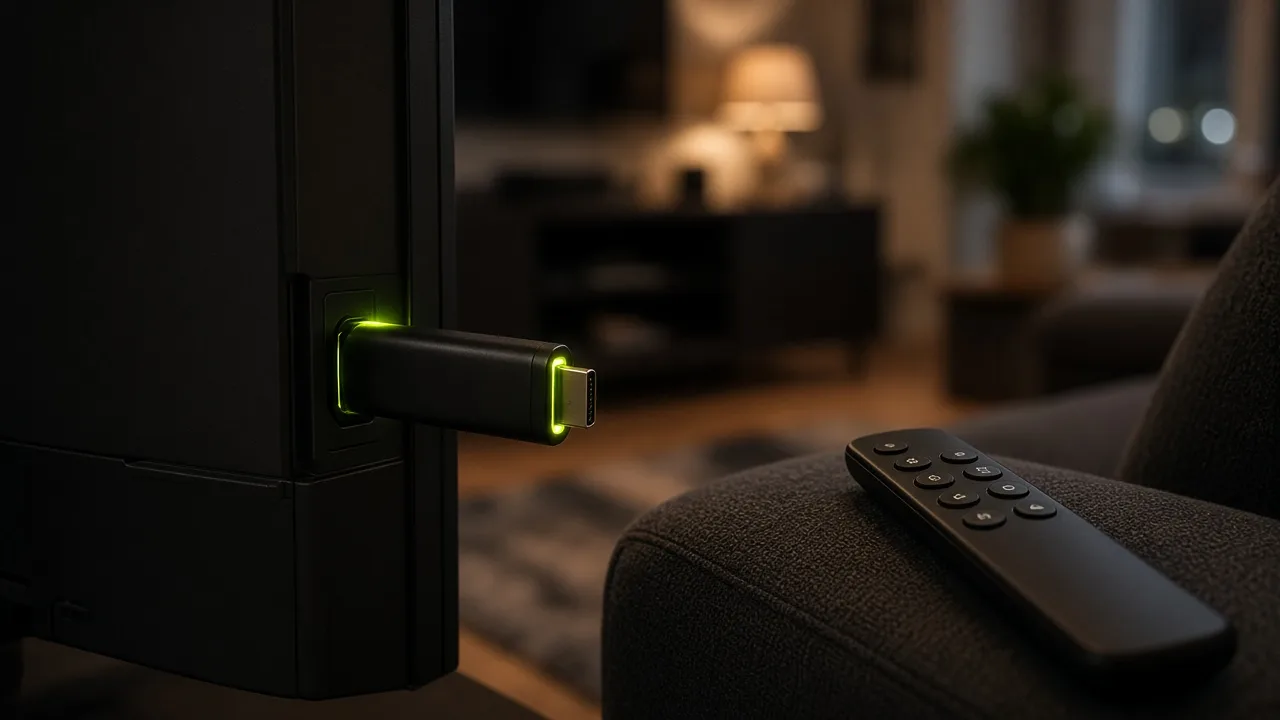
Firestick / Fire TV
Install a compatible player from the Amazon Appstore or sideload flow and add your access details.

Smart TV
Use a compatible IPTV app on supported Samsung or LG smart TV platforms where available.
Android TV
Install a player from Google Play or your device store and connect with M3U or Xtream Codes.
Other verified devices
If your device supports a standard IPTV player, follow the general setup hub.
Setup
Need a guided activation path?
The setup hub walks through plan selection, access details, player installation and playlist login — with links to device-specific pages.
Why Infinity IPTV
Practical benefits, not empty claims
We focus on activation clarity, device flexibility and support — without inventing technical capabilities.
Simple activation
Clear steps from purchase to first successful connection.
Device flexibility
Use popular living-room devices with compatible IPTV players.
Clear plan options
Durations and multi-connection choices shown up front.
Support when you need it
Help for login, playlist and common streaming issues.
Educational guides
Learn IPTV basics, M3U, Xtream Codes and EPG concepts.
Trust pages
About, contact, refund, terms and privacy information in one place.
IPTV knowledge
Build confidence before you connect
Explore what IPTV is, how M3U playlists work, what Xtream Codes are, and how EPG guides fit into everyday watching.
Troubleshooting
Stuck on login, buffering or EPG?
Start with the troubleshooting hub for common symptoms, then contact support if you still need help.
Quick answers
Frequently asked questions
A short set of useful FAQs. See the full FAQ page for more.
What is Infinity IPTV?+
Is Infinity IPTV the same as TiviMate?+
Which devices are supported?+
How do I buy a plan?+
Ready when you are
Start with a plan that fits
View pricing, request a trial, or contact support — whichever step makes sense for you.