
Infinity IPTV Setup
A clean guided path from plan selection to a working connection on your device.
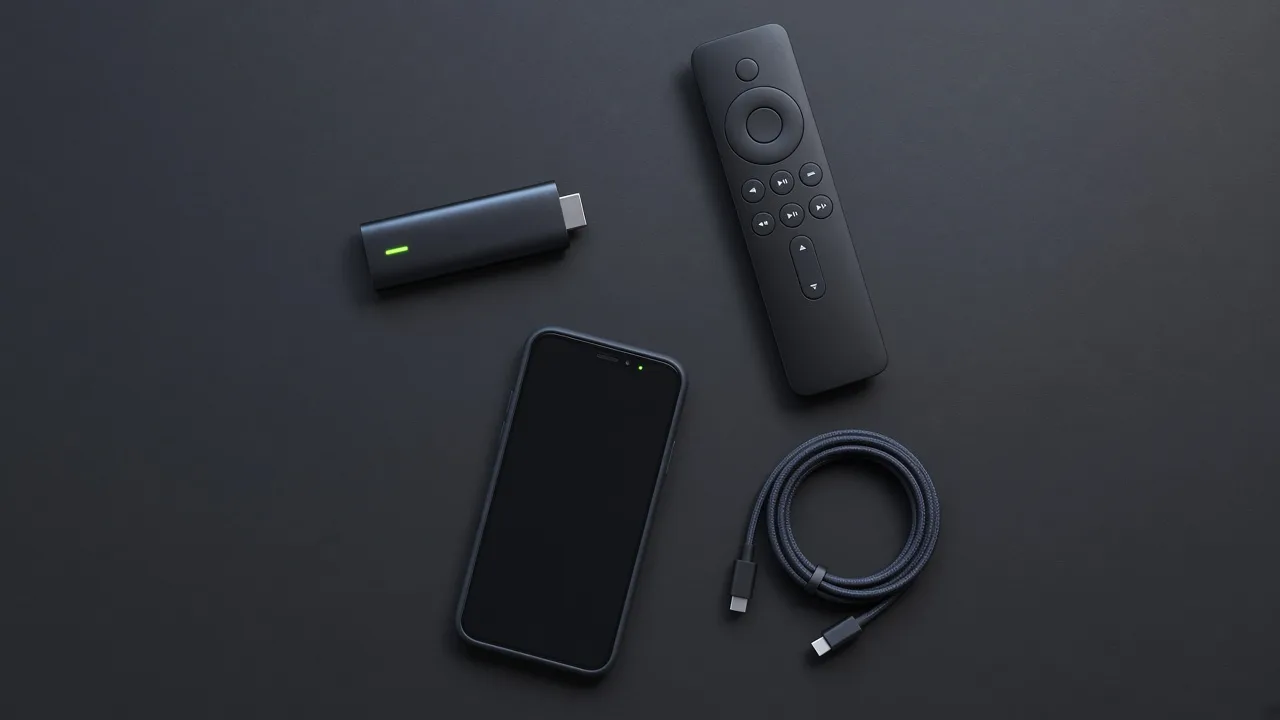
Setup steps
- 1
Choose your plan
Pick a duration and connection count on the pricing page.
- 2
Receive your access information
You will get the playlist or Xtream Codes details needed to connect.
- 3
Install a compatible player
Use an IPTV player that supports M3U or Xtream Codes on your device.
- 4
Add your playlist or login details
Enter the information you received into the player settings.
- 5
Start using the service
Load channels or content and confirm playback is stable.
Device-specific instructions
Follow the guide that matches your hardware.

Need help during setup?
Check troubleshooting for common login and playlist issues, or contact support.