Infinity IPTV on Android TV
Android TV devices and many Android TV boxes can install IPTV players from Google Play or the device app store. Google TV interfaces are covered here where the same player workflow applies.
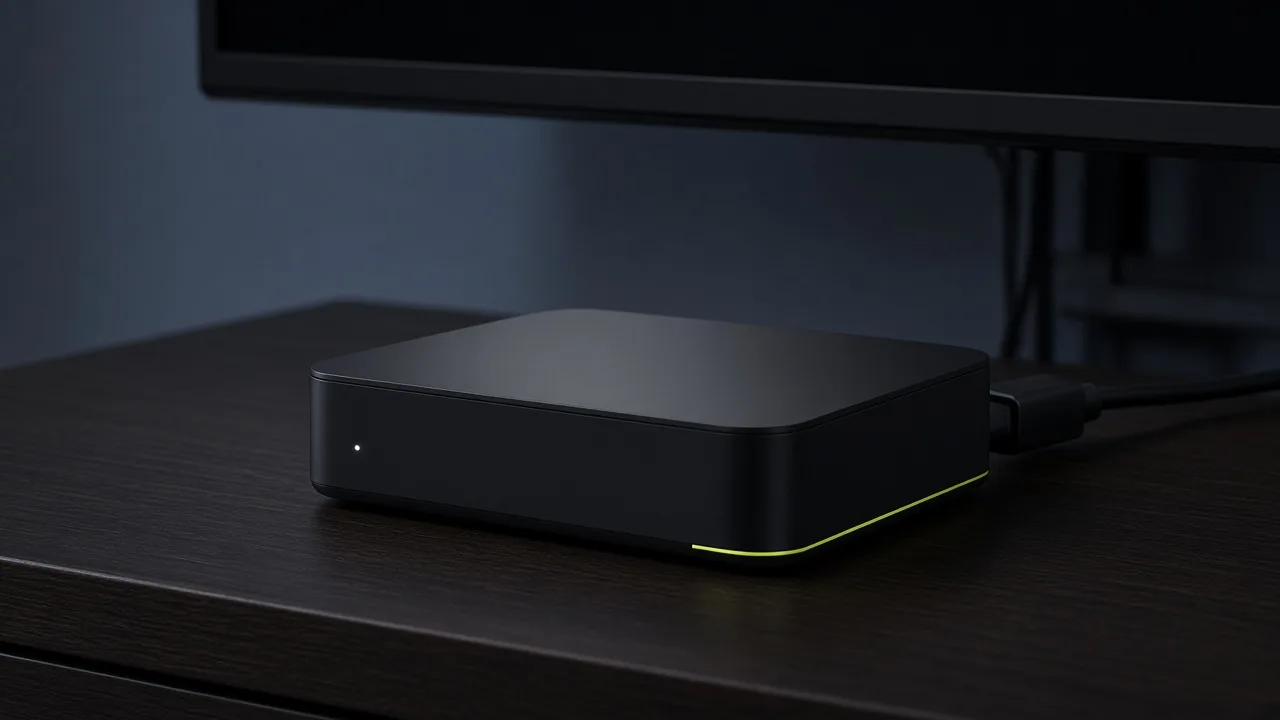
On Android TV, install a player that supports M3U playlists or Xtream Codes API login. After installing, add the Infinity IPTV credentials you received and load your channel list.
A wired Ethernet connection or strong Wi‑Fi helps reduce buffering. Keep your player and Android system updated when possible.
Android TV setup steps
- 1
Install a compatible player
Use Google Play or your device store to install an IPTV player.
- 2
Create a playlist / login profile
Choose M3U or Xtream Codes based on the details you received.
- 3
Save and sync
Allow the player to download the channel list and optional EPG if provided.
- 4
Test categories
Open a few channels to confirm stable playback.
Android TV FAQ
Does this cover Google TV?+
Where Google TV uses the same Android app ecosystem, the same player setup generally applies.
What if EPG does not load?+
Confirm the EPG URL or source if provided, then see the troubleshooting hub.