Infinity IPTV on Firestick
Use this guide to connect Infinity IPTV on Amazon Fire TV Stick and Fire TV. You will need a compatible IPTV player app and your Infinity IPTV access details.
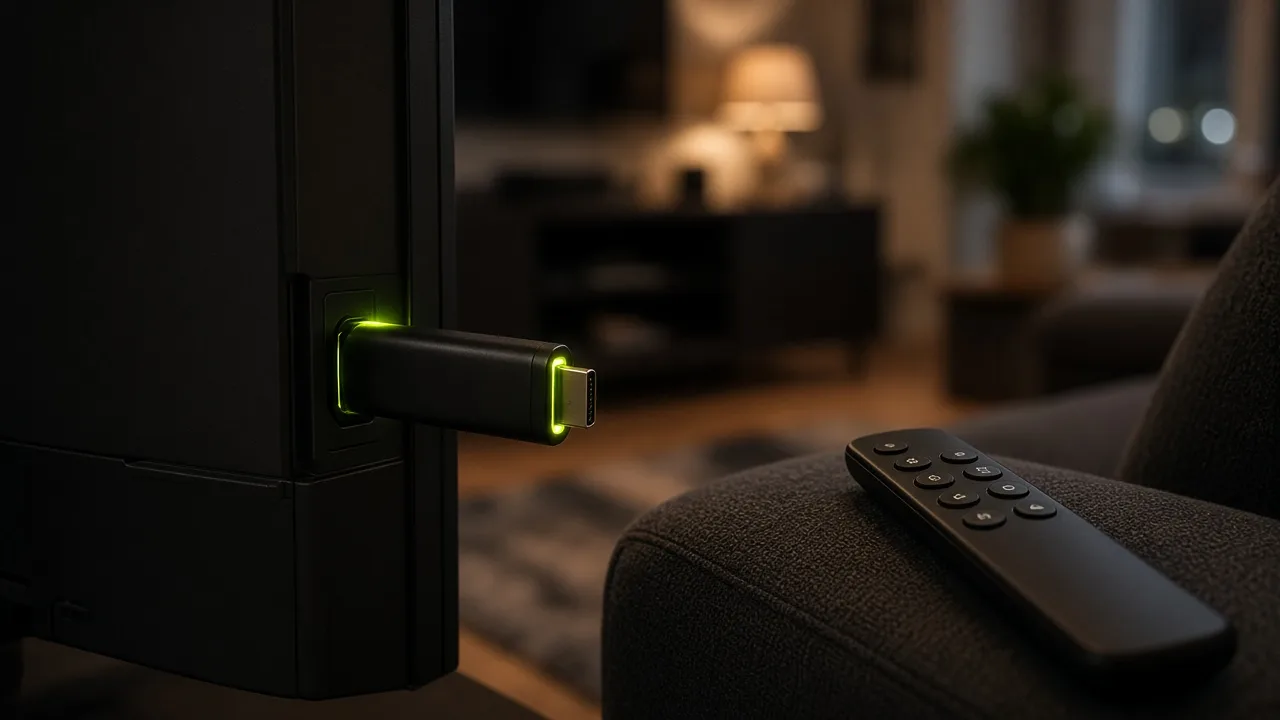
Fire TV Stick devices can run IPTV player applications that accept M3U playlists or Xtream Codes credentials. Infinity IPTV provides the subscription access details; the player app is installed separately on your Firestick.
Requirements typically include a Fire TV Stick or Fire TV device, a stable internet connection, and enough free storage to install a player app.
Installation steps
- 1
Prepare your Firestick
Connect to Wi‑Fi and update Fire OS if prompted.
- 2
Install a compatible IPTV player
Choose a player that supports M3U or Xtream Codes from a trusted source for Fire TV.
- 3
Add Infinity IPTV access details
Enter the playlist URL or Xtream Codes login you received after purchase or trial.
- 4
Load channels and test playback
Open a channel or category and confirm video starts without repeated errors.